


The KCS Campus Link
The KCS Campus Link
The Khalsa Community School (KCS) Campus Link is our new official communication hub. Designed to bridge the gap between school and home, this app ensures you never miss an update regarding your child’s education, school events, or urgent announcements.
=================================================================================================================================================================
? Frequently Asked Questions (FAQs)
General Information
1. What is the KCS App? The KCS Campus Link is a mobile application for parents and guardians of students at Khalsa Community School. It provides a single point of access for school news, calendars, attendance reporting, and direct notifications from the administration.
2. Is the app free to download? Yes, the KCS App is completely free for all parents and staff and can be downloaded from the Google Play Store and Apple App Store.
3. Why should I download the app? While we still use traditional methods for some records, the app is the fastest way to receive:
• Emergency alerts (weather closures, etc.).
• Instant updates on school events and Kirtan programs.
• Digital permission forms and newsletters.
________________________________________________________________________________________________________________________________________________________________
Download & Installation
4. How do I download the app on my iPhone (iOS)? • Open the App Store
• Search for "Khalsa Community School" or "KCS".
• Tap Get to install.
• Requirement: iOS 14.0 or later is recommended for the best experience.
5. How do I download the app on my Android phone? • Open the Google Play Store.
• Search for "KCS Campus Link" or "Khalsa Community School".
• Tap Install.
• Requirement: Compatible with most modern Android devices.
________________________________________________________________________________________________________________________________________________________________
Account & Login
6. How do I log in for the first time? Once the app is installed, open it and select "Get Started”. You will then be prompted to enter your mobile phone number that was registered with the office. Once entered and have clicked on “Submit”, you will receive an OTP verification code in your email that was registered with the office. The system matches your email to your child's student record automatically.
7. Can both parents have an account? Yes. As long as both parents’ email addresses are on file with the school office, each parent can have their own login on their respective devices.
________________________________________________________________________________________________________________________________________________________________
Features & Usage
8. How do I receive notifications? During installation, your phone will ask if you want to "Allow Notifications." Ensure you select Allow.
• iOS: Go to Settings > Notifications > KCS Campus Link > Allow Notifications.
• Android: Go to Settings > Apps > KCS Campus Link > Notifications > Show Notifications.
9. Can I report my child's absence through the app? No! But you can submit the reason of the absence or being late after the absence notification has been received. Select “Performance and Report“, the click on the day of absence and from the bottom pop-up you can report the absence.
10. Is my data safe? Absolutely. The KCS Campus Link uses encrypted transit to ensure your personal information and your child's data remain secure. We do not share data with third-party advertisers.
________________________________________________________________________________________________________________________________________________________________
Support
11. The app is crashing or not loading. What should I do? • Check if you have a stable internet connection (Wi-Fi or Data).
• Ensure you have the latest version of the app by checking for updates in your App Store/Play Store.
• Try restarting your device.
12. Who do I contact for technical help? If you encounter issues with your login or child's information, please contact the school using the chat option on the right-hand side of the website. You can also call the office at 905-791-1750 or email us at docs@khalsacommunityschool.com.
________________________________________________________________________________________________________________________________________________________________
Quick Links
• Download for iOS:Link to App Store
• Download for Android:
Link to Google Play Store
• School Website: khalsacommunityschool.com
| Android Link | Apple Link | |
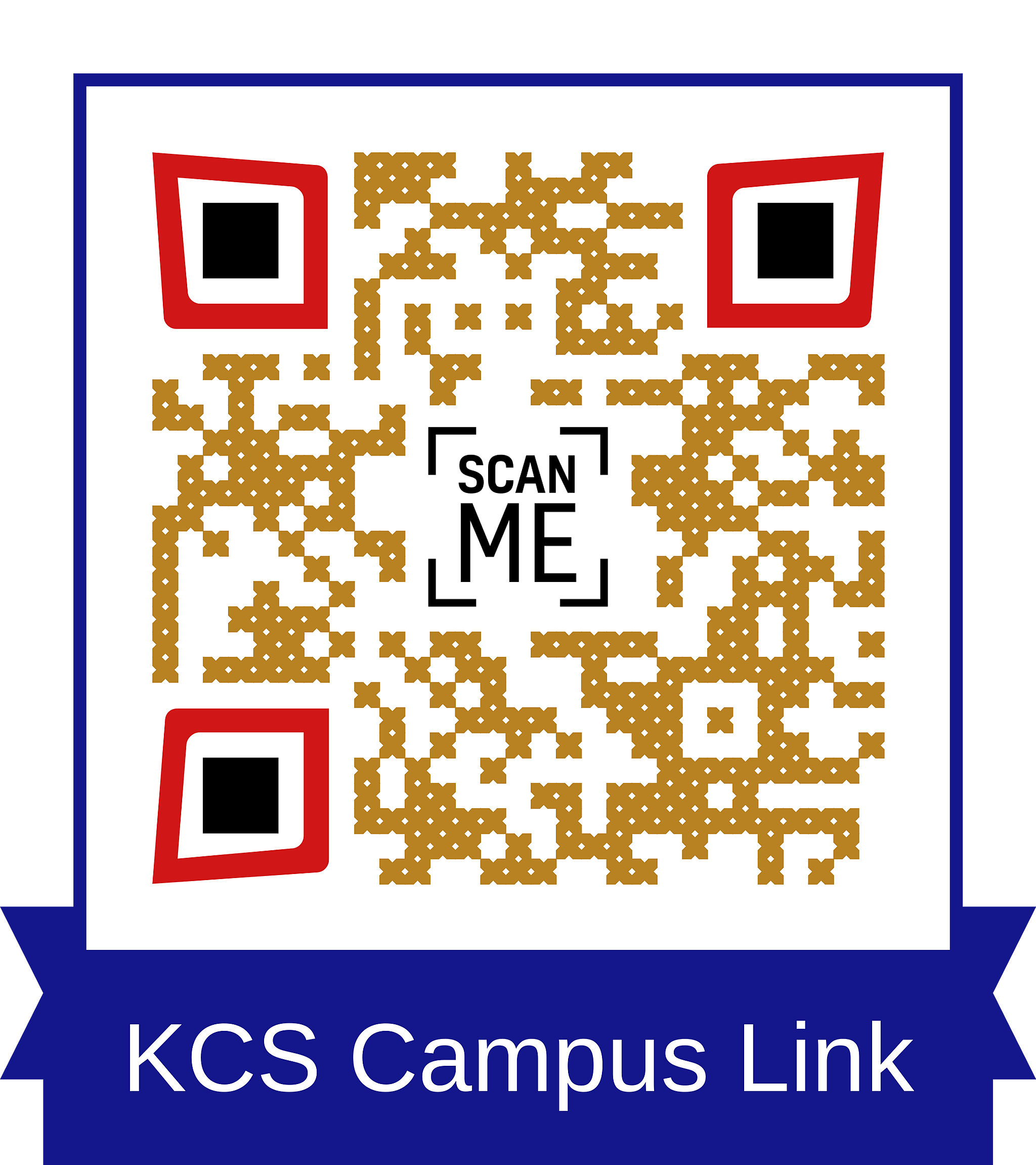 | 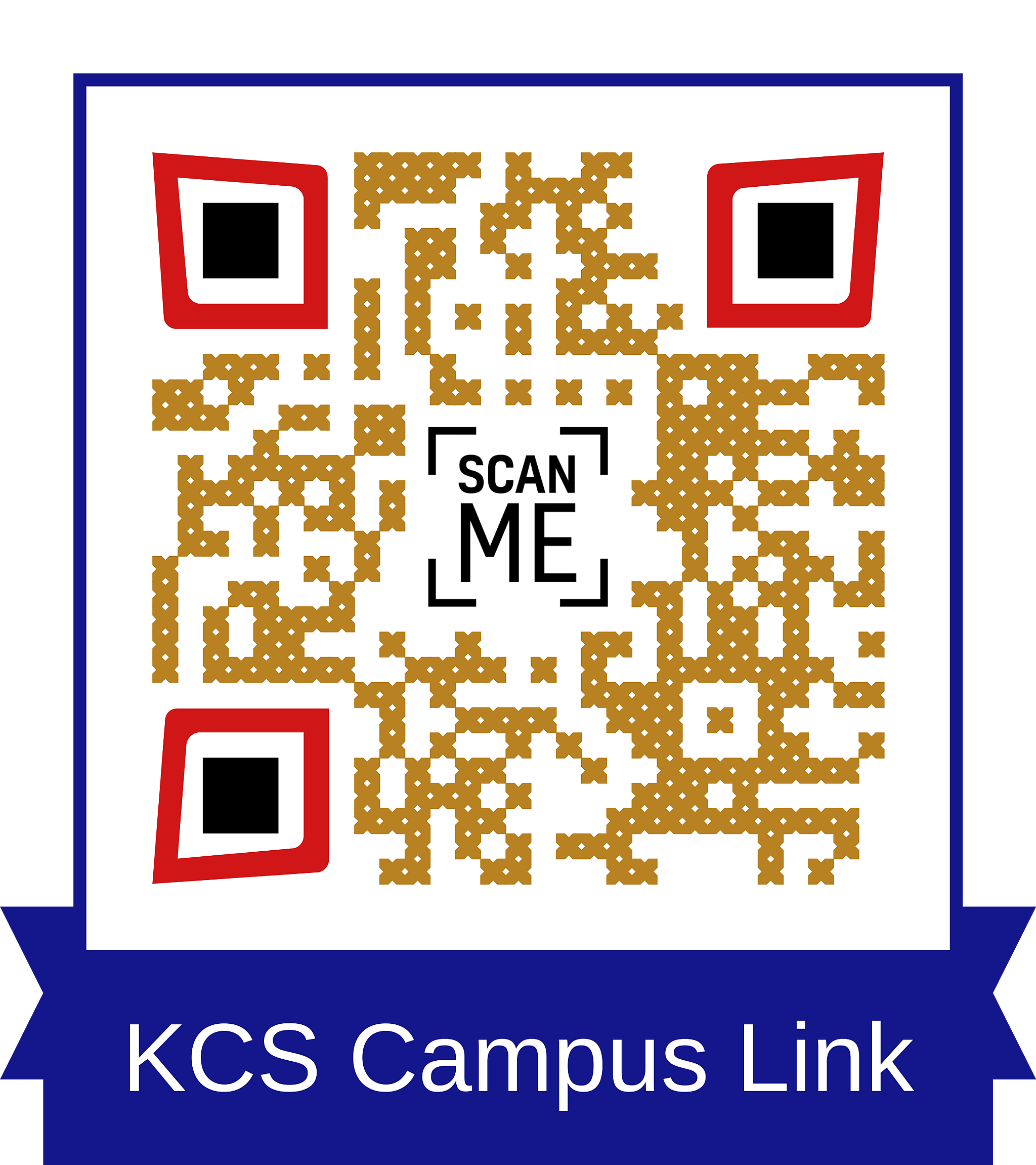 |
: